Baile charme AI
How to Make a Baile Charme AI Video From One Photo (Step by Step)
A step-by-step guide to the baile charme AI trend: which photo to use, 10 or 15 seconds, how to post it on TikTok, Reels and Shorts, and what to do if the video looks off.
Published October 20, 2026
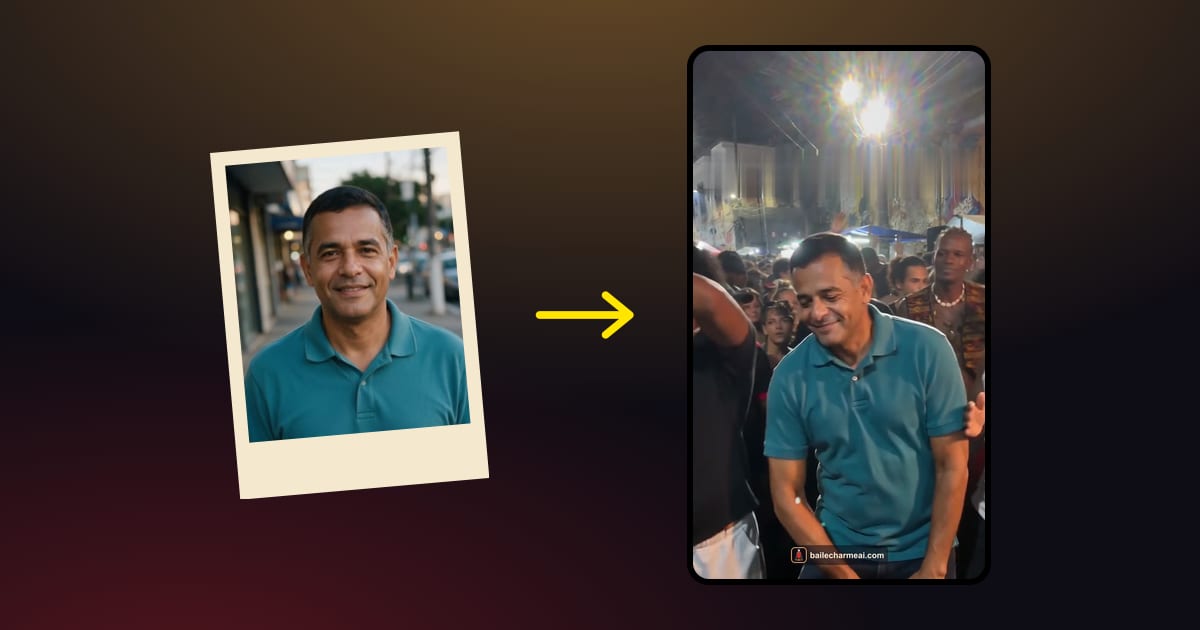
To make a baile charme AI video, you need one clear photo of one person and about five minutes. Upload the photo to a baile charme AI generator, choose a 10- or 15-second length, and download a vertical video of that person dancing charme in the middle of a Rio night street party. No filming, no dance skills and no app are needed.
Below is the full process, step by step, with the details that make the difference between a clip that looks like a real night out in Rio and one that looks slightly wrong.
What you need: one photo, 3–5 minutes
Here is the complete list:
- One photo of one person. It can be you, your grandpa, your mom or a friend, as long as you have their permission. JPG, PNG, WebP or HEIC files up to 20 MB all work, so a photo straight from your phone's camera roll is fine.
- A browser. The baile charme AI video generator runs on a phone or a computer. There is nothing to install.
- Credits for the length you want. A 10-second video uses 10 credits and a 15-second video uses 13. Packs are a one-time payment and credits never expire.
- 3–5 minutes. That is how long the AI usually takes to render the clip. You can leave the page and come back; the video waits for you in My videos.
What you don't need: a dance tutorial, a prompt or any editing. The scene, the charme step, the crowd and the handheld camera are already built in.
Step 1: Pick the right photo
The photo is the only thing you choose that changes how the person looks, so it is worth thirty seconds of thought. The AI keeps the face, hair and outfit from the photo and builds the dance around them. It can only keep what it can see.

| Works well | Causes problems |
|---|---|
| One person, face clearly visible | Group photos: the AI may pick the wrong face or blend two people |
| Waist-up or full body, arms in frame | Tight face crops: the AI has to invent the body and the clothes |
| Even daylight or indoor light | Heavy filters, beauty effects or very dark photos |
| Face toward the camera, eyes visible | Sunglasses, masks or the face turned away |
| A sharp, recent photo | Blurry screenshots or tiny images |
A few practical tips:
- Outfits come through. If grandpa is wearing his favorite shirt in the photo, he will be wearing it on the dance floor. That is often the funniest part of the video, so pick a photo where the clothes say something about the person.
- Small text and logos can change. The overall outfit stays, but tiny details such as a printed slogan or a brand logo may come out different.
- Celebrities and public figures are not accepted. Use your own photo or one of someone who said yes.
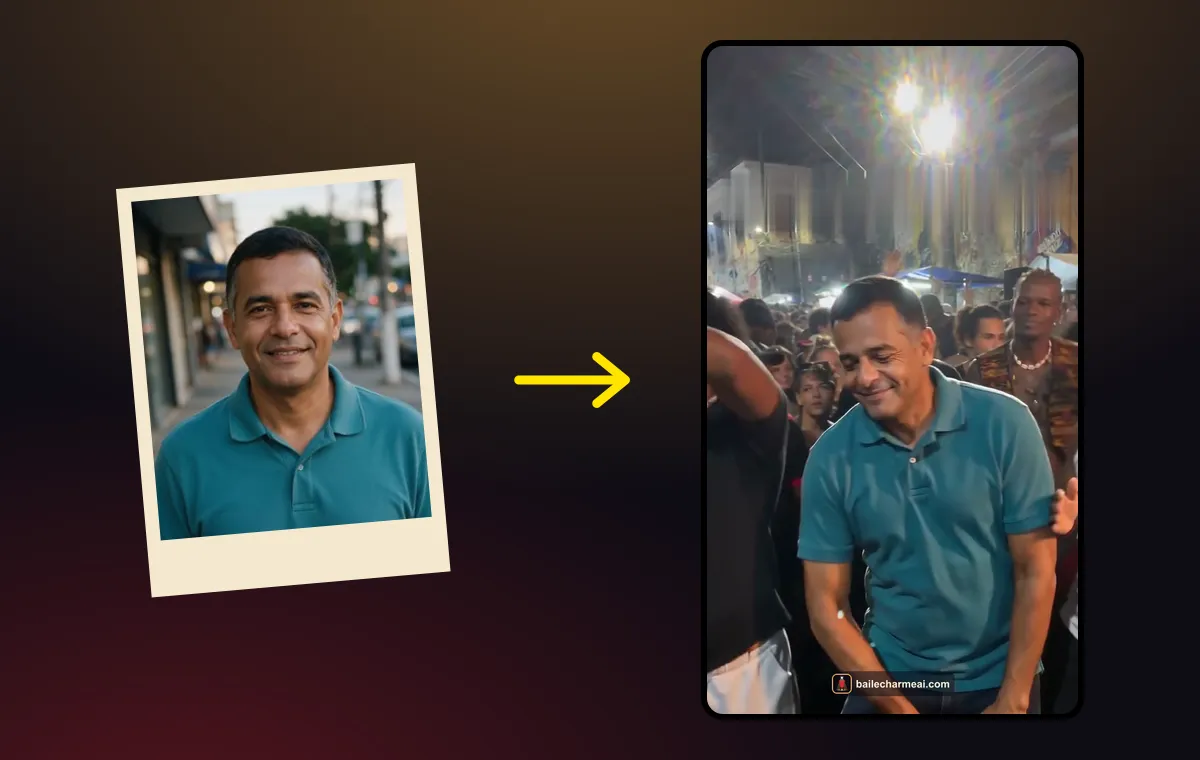
Step 2: Choose 10 or 15 seconds
Both lengths show the same scene: the person dancing charme at the center of the floor while the crowd watches and cheers. The difference is pacing.

- 10 seconds (10 credits) gets straight to the point. It is the better choice for a quick laugh in a group chat or a TikTok that people will watch on loop. It is also the cheapest way to try: the Solo pack ($6.99) covers one 10-second video.
- 15 seconds (13 credits) gives the crowd more time to react. You get a longer build-up, more of the dance and a bigger finish. It works well if you plan to add a caption that needs a moment to read. Solo doesn't cover 13 credits, so for 15 seconds choose the Crew or Baile pack.
You can't change the length after the render starts, so decide before you confirm. The full price list is in the baile charme AI pricing section. If you are unsure, start with 10 seconds; leftover credits stay in your account.

Step 3: Download and post on TikTok, Reels or Shorts
When the render finishes, you get an MP4 file:
- Vertical 9:16, 720p, the format TikTok, Instagram Reels and YouTube Shorts expect, so there are no black bars and no cropping.
- AI-generated sound that matches the scene: crowd noise, the party atmosphere and a beat. It is not the song from the original trend video.
- No watermark, so the clip looks clean wherever you post it.

Download the video to your phone, then upload it like any other clip. Two things help it do well: a caption that sets up the joke ("nobody believed in grandpa" is the classic) and the platform's AI label, which you'll find in the posting settings. For caption ideas and posting formats, see 7 charme dance AI ideas for TikTok.
Your video stays in My videos for 30 days, so you can download it again later, but save it to your phone early.
Skip the setup: make yours from one photo
Making one for grandpa, mom or a friend: ask first
The baile charme AI trend is mostly about other people: the grandparent nobody expected to dance, a parent on their birthday, the friend who never leaves the bar. That is exactly why it is worth a quick message before you upload their photo.
- Ask the person in the photo. Most people love seeing themselves as the star of the baile, but some don't want an AI video of themselves online. A "can I put you on the dance floor?" message takes a minute.
- Children need a parent's or guardian's consent.
- No celebrities or public figures, even as a joke. The service refuses them, and so do our terms.
- Keep it kind. The joke is "they turned out to be amazing", not "look how silly they are". That is also why the trend spreads: the person in the video usually shares it themselves.
Privacy-wise, the uploaded photo is deleted automatically 24 hours after the video finishes or fails, and we don't use photos to train our own models or publish videos in a public gallery.
If the video looks off: fixes
Most videos come out right the first time, but when something looks wrong it is almost always the photo. Here is what to try:
- The face doesn't look like the person. Use a sharper, front-facing photo where the face fills more of the frame, without sunglasses or strong filters.
- The clothes changed. Choose a waist-up or full-body photo so the AI can see the whole outfit. With a close-up, it has to guess what the person is wearing below the shoulders.
- The wrong person is dancing. The photo probably had more than one person in it. Crop it to one person, or pick a solo photo.
- The movement looks stiff. Photos where the arms are hidden or the person is sitting give the AI less to work with. A standing photo with arms visible gives the most natural charme step.
- The render failed. If a video can't be finished, its credits go back to your balance automatically and you can try again with the same or a different photo.
Note that a delivered video counts as used, even if you would have preferred a different photo. That is one more reason to spend those thirty seconds on step 1.
If you are curious why the result depends so much on the photo, and why typing a description into a general video tool rarely gives the same effect, read what makes a baile charme AI prompt work.
FAQ
Can I make a baile charme AI video on my phone?
Yes. The baile charme AI generator works in the mobile browser on iPhone and Android. Upload a photo from your camera roll, pay, and download the finished MP4 straight to your phone.
Can I put two people or my pet in the video?
Not at the moment. Each video uses one photo of one person. For a couple or a family, make one video per person and post them together or one after another.
How long does it take?
Usually 3–5 minutes from the moment you confirm. You don't need to keep the page open: the finished baile charme AI video appears in My videos, and it stays there for 30 days.
Keep reading
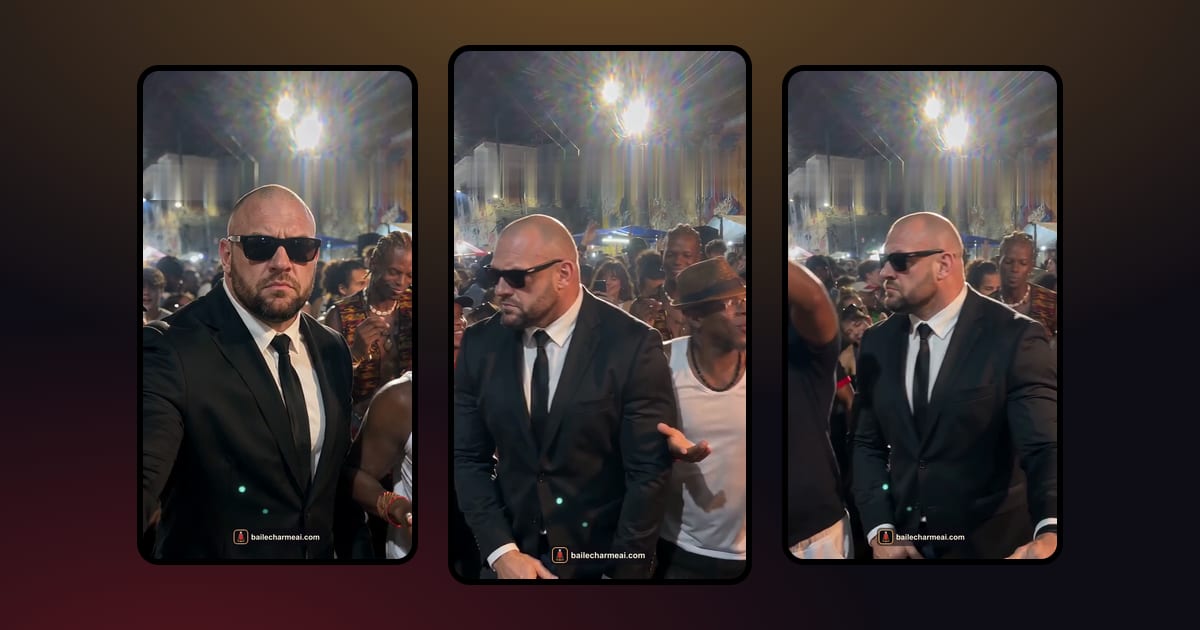 Baile charme AIBaile Charme AI Prompt: What Makes the Clip Work (and Why Text Alone Fails)Trying to write a baile charme AI prompt for a general video model? Here is what the scene needs, a starter prompt you can adapt, the usual failures, and how to skip the prompt entirely.October 20, 2026 · →
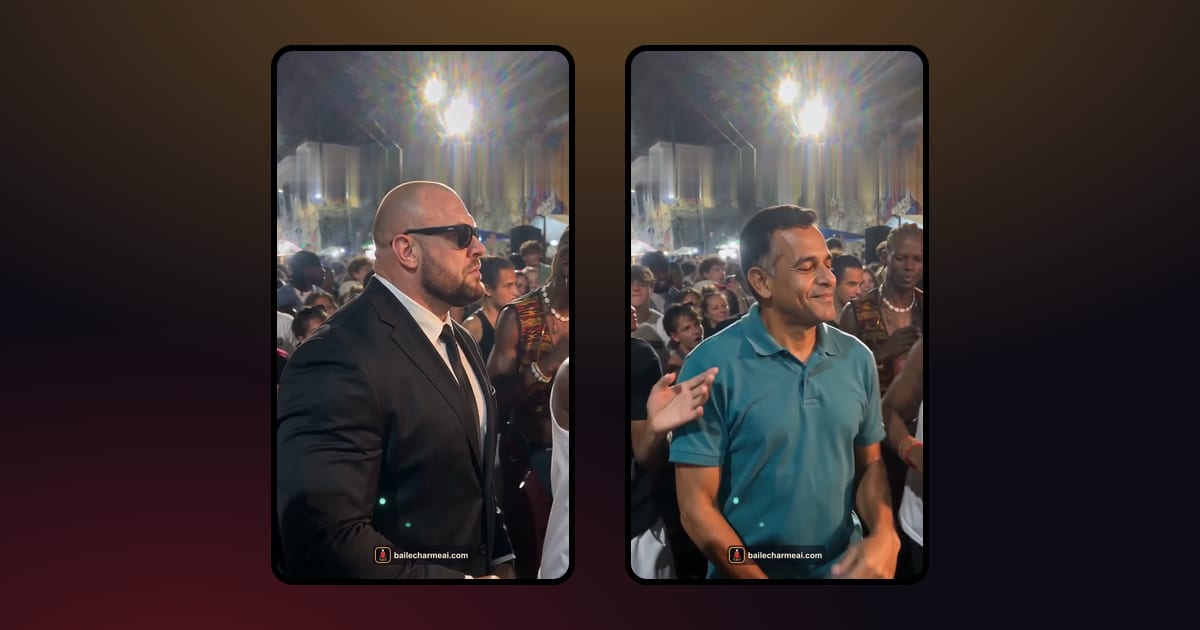 Charme dance AICharme Dance AI on TikTok: 7 Video Ideas, Captions and the SoundSeven charme dance AI video ideas for TikTok, Reels and Shorts, caption lines that fit the 'nobody believed in grandpa' joke, how to handle the sound, and why you should label it as AI.October 20, 2026 · →